
Connection Register: Definition and Purpose
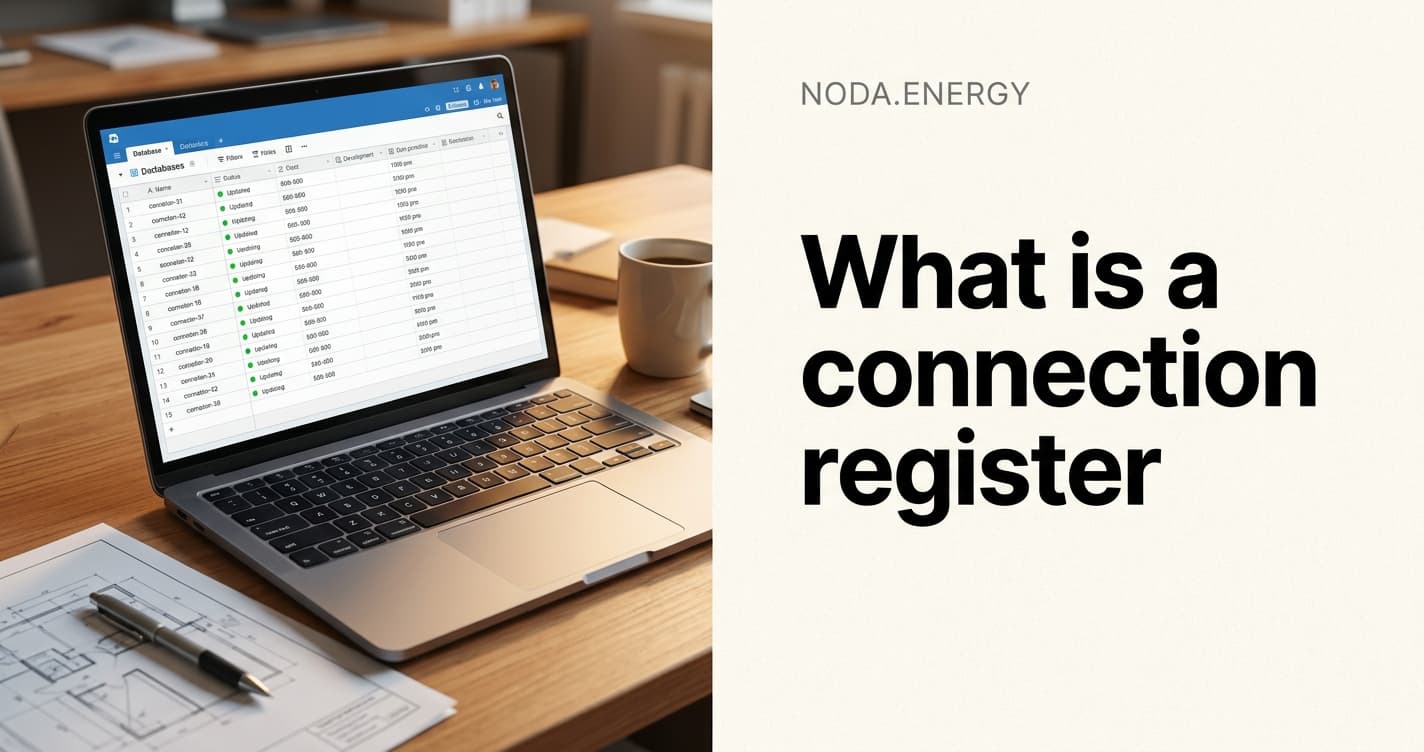
A connection register is a structured database that tracks every grid connection project your team manages. It records the project status, technical parameters, documents, DNO correspondence, key dates, and commercial data in one place.
Most grid engineering teams use some form of connection register, even if they call it a project tracker or master spreadsheet. The difference between a proper register and a loose tracker determines whether your team can scale.
What Goes Into a Connection Register
A complete connection register contains these data fields for every project.
Core Project Data
- Project reference: Unique identifier for the connection project
- Site name and address: Physical location of the connection
- Client name: The developer or asset owner
- DNO/VNB/OSD region: Which network operator covers the site
- Connection voltage: LV, HV, or EHV connection level
- Capacity (MW/MVA): Requested import and export capacity
- Technology type: Solar, wind, BESS, hybrid, or demand
Status and Timeline
- Application date: When the connection application was submitted
- Connection offer date: When the DNO issued the connection offer
- Offer acceptance deadline: Contractual deadline for accepting the offer
- Estimated energisation date: Target date for the connection to go live
- Current status: Applied, offered, accepted, in construction, energised, or withdrawn
Technical Parameters
- Point of connection: The specific busbar or substation where the connection is made
- Fault level at POC: Three-phase and single-phase fault levels at the connection point
- Available capacity: Remaining capacity at the connection point
- Protection settings: G99/VDE-AR-N 4110/IRiESD protection relay settings
- Metering arrangement: Import/export metering configuration
Document Register
- Application form: Reference and version
- Connection offer letter: Reference, date, expiry
- Connection agreement: Signed/unsigned, date
- Study reports: Load flow, fault level, protection coordination
- As-built drawings: Final single-line diagrams and layout plans
- Commissioning certificates: Test results and sign-off documents
How It Differs From a Project Tracker
A project tracker tells you what needs to happen next. A connection register tells you the complete history and current state of every connection.
| Feature | Project Tracker | Connection Register |
|---|---|---|
| Primary purpose | Task management | Data of record |
| Time orientation | Forward-looking (to-do lists) | Historical and current (what happened) |
| Data depth | Tasks and deadlines | Technical parameters, documents, correspondence |
| Update frequency | Daily/weekly | On every event (application, offer, acceptance) |
| Users | Project managers | Engineers, project managers, commercial teams |
| Integration | Standalone | Links to DNO portals, modelling tools, document management |
Most teams need both. But the connection register is the single source of truth that the project tracker references.
Why Manual Registers Break
Teams that maintain connection registers in Excel or Google Sheets eventually hit the same problems.
Version Conflicts
Two engineers update the same spreadsheet simultaneously. One saves over the other's changes. Data is lost without anyone knowing.
Stale Data
An engineer updates the connection status in the register but forgets to update the fault level data. The register shows a project as "accepted" with outdated technical parameters.
Missing Documents
The register says "connection offer received" but does not link to the actual document. Three months later, nobody can find the PDF.
No Audit Trail
A capacity value changed from 5 MW to 8 MW. When? By whom? Why? The spreadsheet does not tell you.
Scale Limits
At 50 connections, the spreadsheet is manageable. At 200, it slows down. At 500, it is unusable. Filtering, sorting, and cross-referencing become painful.
What a Proper Connection Register Looks Like
A well-built connection register has these properties.
- Structured schema: Every field has a defined type, format, and validation rule. No free-text fields where structured data should be.
- Linked documents: Every entry links to the actual files (applications, offers, drawings) stored in a central location.
- Automatic status updates: When a new document is uploaded or a date passes, the status updates automatically.
- Role-based access: Engineers see technical data. Commercial teams see financial data. Clients see their own projects.
- Search and filter: Find any connection by site, DNO region, status, capacity range, or date range in seconds.
- Export and reporting: Generate portfolio reports, DNO summaries, and client updates from the register data.
How Noda Builds a Connection Register Automatically
Noda creates a connection register from the files your team already produces.
- File parsing: When you upload a DNO data file, connection offer, or study report, Noda extracts the key data points and populates the register automatically
- Document linking: Every register entry links to the source documents stored in Noda
- Status detection: Noda reads document types and dates to determine the current project status
- Cross-referencing: Noda matches connection points across different data sources (DNO fault level data, connection offers, network diagrams) to build a unified view
- Portfolio view: See all your connections on a single dashboard with filtering by DNO, status, capacity, and technology type
Instead of maintaining a spreadsheet manually, the register builds itself from your working documents.
Key Takeaways
- A connection register is a structured database of all grid connection projects, distinct from a project tracker which focuses on tasks
- Manual registers in Excel break at scale due to version conflicts, stale data, missing documents, and no audit trail
- An automated register that builds itself from project documents eliminates manual data entry and keeps data current
Next Steps
If your connection register is a spreadsheet that someone has to update manually, it is already out of date. Book a demo to see how Noda builds a connection register automatically from the files your team already works with.