
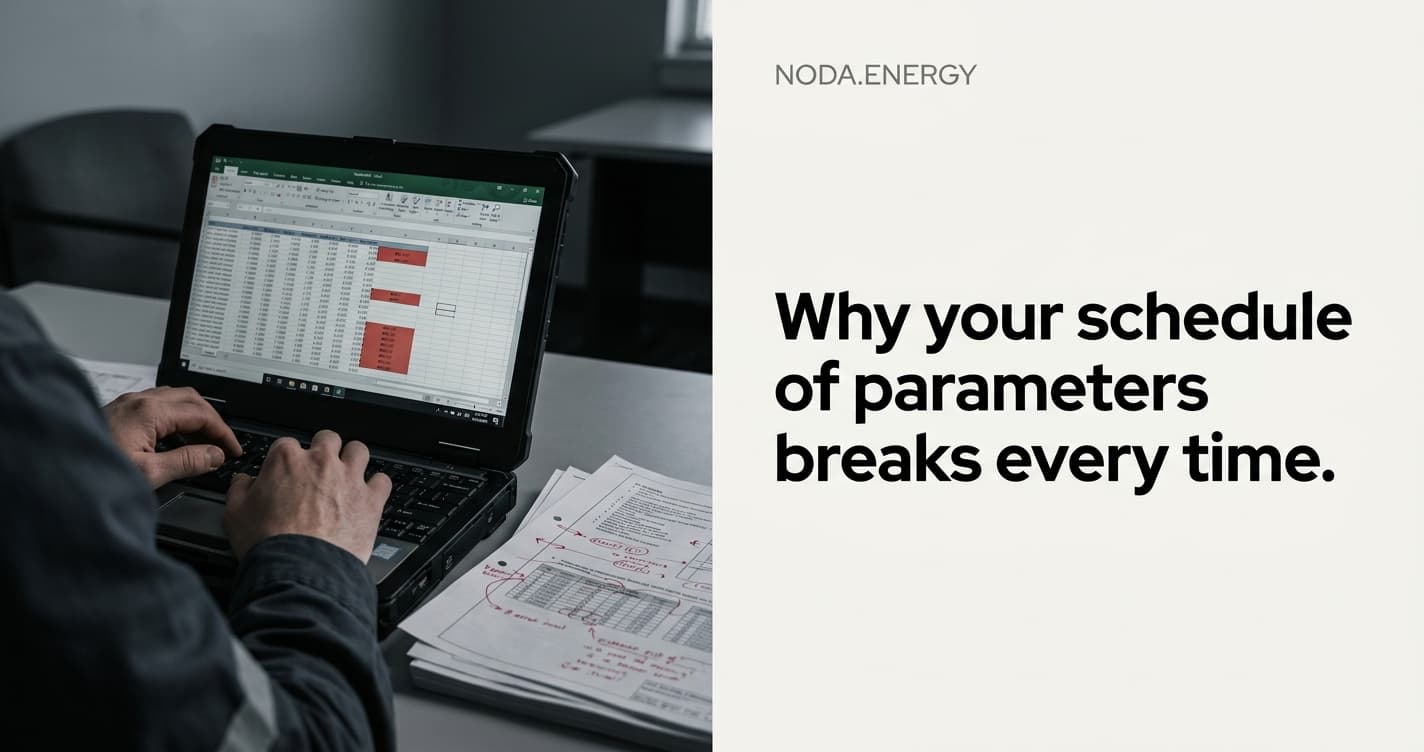
Why your schedule of parameters breaks every time the operator sends a revision
Every grid engineer knows the feeling. You spent two days building a perfect schedule of parameters — fields mapped, formulas linked, cells formatted for the operator's template. Then a revised Connection Offer arrives. Three columns shifted. Two parameters renamed. One transformer rating changed from 250 to 315 MVA in a footnote nobody flagged.
Your schedule of parameters is now broken. Again.
The problem isn't you. It's the workflow.
Grid operators across Europe all send technical data in their own formats. There is no standard. Every DNO has a different column order, a different naming convention, a different way to express the same rated short-circuit current.
When your team builds a schedule of parameters manually:
- Column mapping is implicit. It lives in one engineer's head. When they're on holiday, nobody knows which column in the operator's file maps to which row in your schedule.
- Duplicate detection is manual. The same busbar appears in three files with slightly different names. Your engineer spots two of them. The third becomes a phantom row in the final deliverable.
- Revision tracking is nonexistent. When the operator sends v3, nobody can tell you exactly what changed from v2 without a side-by-side Excel diff that takes an hour to set up.
What breaks, specifically
Let's be precise. Here's what typically goes wrong when a revision lands:
Hard-coded cell references snap. Your formula in cell G47 pointed to the Connection Offer file, sheet 2, cell D12. The operator inserted a row. D12 is now D13. Your schedule still reads the old cell. Nobody notices until the technical report goes to review.
Parameter names drift. The original Connection Offer called it "Rated short-circuit current." The revision calls it "Isc." Your VLOOKUP returns #N/A. You fix it, but only for this column — the same drift happened in five other places.
Units change silently. The substation file had impedance in ohms. The revision switched to per-unit values. Your calculation downstream assumes ohms. The protection coordination study is now wrong.
Duplicate rows multiply. The revision added a new line for a second transformer. But it also kept the old one with slightly different parameters. Your schedule now has both, and the operator will reject the deliverable.
What good teams do (and why it still fails)
The best engineering teams we've spoken to have partial solutions:
- Color-coded Excel templates with locked cells and dropdown validations. Works until the operator sends data in a format that doesn't match the template.
- A senior engineer who reviews every schedule of parameters. Catches 90% of errors, but creates a bottleneck. That engineer becomes the single point of failure for every project.
- Side-by-side file comparison using Beyond Compare or WinMerge. Helps with text diffs, but doesn't understand that "TR1 250MVA" and "Transformer 1 (250 MVA)" are the same entity.
None of these scale. When your firm goes from 5 concurrent projects to 15, the manual approach collapses.
What a structured data layer looks like
Imagine instead:
- You drop the operator's files — Connection Offer, substation studies, contract annexes, whatever format they arrive in.
- The system maps every column to a canonical schema, regardless of the operator's naming convention.
- When a revision arrives, you drop it next to the original. The system shows you exactly what changed: which parameters shifted, which rows were added, which values differ.
- Duplicate detection runs automatically. "Busbar 110kV Section A" and "110 kV Busbar (Section A)" get flagged as the same entity.
- Your schedule of parameters regenerates from the structured data. No broken cell references. No phantom rows.
This is what noda builds. Not a replacement for the engineer's judgment — a replacement for the fragile Excel plumbing that breaks every time the operator sends a revision.
The math
A typical Connection Offer revision cycle costs an engineering team:
- 2-4 hours to manually diff the old and new files
- 1-2 hours to update the schedule of parameters
- 1 hour for the senior engineer to review and catch what was missed
- 0.5-1 hour to fix what the review caught
That's a full engineering day, per revision, per project. Most projects see 2-3 revisions before the final Connection Offer. Multiply by your project volume.
For a firm handling 20 projects per year with an average of 2.5 revisions each, that's 50 engineering days per year spent on file cleanup — the salary of a junior engineer — spent on work that adds zero engineering value.
What to do next
If your schedule of parameters broke this week, you're not alone. The workflow is the problem, not your team.
We built noda specifically for this. Drop your operator files, get structured data, regenerate deliverables when revisions arrive. Every number traceable back to its source.
Book a free demo call — we'll look at your actual files and show you where the breaks happen.